
Introduction
Creating high-quality videos used to require expensive cameras, editing software, professional actors, and hours of production work. In 2026, artificial intelligence is changing that equation. AI video generators can now help creators turn scripts, prompts, images, blog posts, and ideas into engaging video content much faster.
Whether you create YouTube videos, Instagram Reels, YouTube Shorts, advertisements, educational content, product videos, or social media posts, the right AI video tool can save time and simplify production.
However, there is no single tool that is perfect for everyone. Some platforms focus on cinematic text-to-video generation, while others specialize in AI avatars, social media videos, editing, or converting existing content into videos. Current 2026 comparisons similarly show that these tools serve different use cases rather than competing on exactly the same features.
So, what are the best AI video generators for content creators in 2026? Let’s explore the leading options and what each one does best.
What Is an AI Video Generator?
An AI video generator is software that uses artificial intelligence to create or edit videos from instructions, scripts, images, existing footage, or other content.
Depending on the platform, you may be able to type a simple prompt and generate a video, create an AI presenter, transform a blog post into a video, generate B-roll, add voiceovers, or automatically edit long recordings.
For creators, the biggest advantage is efficiency. Instead of spending hours on repetitive production tasks, AI can handle parts of the workflow while the creator concentrates on ideas, storytelling, and strategy.
1. Runway – Best for Cinematic AI Videos
Runway is one of the strongest choices for creators who want creative control and cinematic AI-generated footage.
Its video-generation tools are designed for creating and transforming visual content, making the platform particularly useful for filmmakers, creative professionals, advertisers, and creators experimenting with AI storytelling.
Runway’s Gen-4 documentation describes controllable video generation from an input image and text prompt, with multiple aspect-ratio options including vertical 9:16 for social content.
Best for: Cinematic clips, creative storytelling, B-roll, visual effects, and experimental videos.
Why creators may like it: It provides more creative control than basic template-based video makers.
2. HeyGen – Best for AI Avatars and Multilingual Videos
If you want an AI presenter to speak directly to your audience, HeyGen is one of the most recognizable options.
The platform focuses heavily on AI avatars, voice generation, translation, and presenter-based video production. Its current materials highlight more than 230 avatars and support for more than 140 languages.
This makes it useful for creators who want to produce educational videos, product explainers, sales content, social media videos, or multilingual versions of existing content.
Best for: AI avatar videos, marketing, educational content, and multilingual content.
3. Synthesia – Best for Professional and Educational Videos
Synthesia is particularly useful for businesses, educators, trainers, and creators who need professional presenter-style videos.
Instead of recording yourself on camera, you can create videos featuring AI presenters delivering your script.
The platform is frequently positioned around corporate training and structured business communication, making it a strong option for tutorials, employee training, presentations, and educational content.
Best for: Training videos, presentations, educational content, and business communication.
4. InVideo AI – Best for Social Media Content
InVideo AI is designed to help users turn prompts and scripts into complete videos.
This makes it attractive to creators who want to produce social media content without manually assembling every scene. Current comparisons identify InVideo as a strong option for social media and marketing videos.
A creator can use it for YouTube videos, Shorts, promotional content, advertisements, and other social media formats.
Best for: Beginners, marketers, YouTube creators, and social media content.
5. Pictory – Best for Turning Blogs Into Videos
If you already have written content, Pictory can be particularly useful.
The platform focuses on transforming existing content—including scripts, blog posts, URLs, and documents—into videos with visuals, voiceovers, and captions.
This makes Pictory interesting for bloggers, publishers, marketers, and businesses that want to repurpose written content into video.
Imagine publishing a 1,200-word article and then turning the same information into a three-minute YouTube video and several short social clips. AI can make that repurposing workflow much faster.
Best for: Bloggers, publishers, marketers, educators, and content repurposing.
6. Canva – Best for Beginners and Social Media Creators
Canva is already popular for graphic design, but its video capabilities make it useful for creators who want to combine templates, design elements, and AI-assisted content creation.
It can be particularly convenient for social media creators who need videos that match an existing brand identity.
Current 2026 comparisons include Canva among the leading AI-assisted video creation options for quick social content.
Best for: Beginners, Instagram creators, small businesses, social media posts, and branded content.
7. Descript – Best for Editing Videos and Podcasts
Descript takes a different approach. Rather than focusing primarily on generating entire videos from prompts, it uses AI to make editing easier.
One of its key advantages is transcript-based editing. Creators can edit spoken video by working with the transcript, making it useful for podcasts, interviews, tutorials, screen recordings, and long-form content.
Current comparisons position Descript as a strong AI-powered editor rather than a conventional text-to-video generator.
Best for: Podcasters, YouTubers, interviews, tutorials, and video editing.
8. Google Veo – Best for High-Quality Generative Video
Google’s Veo family has become an important name in AI video generation. It is aimed at generating video from prompts or images and is included in several current 2026 AI video comparisons.
For creators interested in cinematic scenes, realistic visuals, and AI-generated footage, Veo can be an option worth exploring.
Best for: Generative video, cinematic scenes, creative projects, and visual experimentation.
9. VEED – Best for Browser-Based Video Creation
VEED combines video editing with AI-powered features, making it useful for creators who want an accessible browser-based workflow.
Creators can use AI-assisted tools for captions, editing, repurposing, and social media content.
It can be especially useful when you want to create and edit videos without relying on complicated desktop software.
Best for: Social media creators, marketers, beginners, and quick online editing.
10. OpusClip – Best for Repurposing Long Videos
Creators often have a lot of long-form content but not enough time to turn it into Shorts and Reels.
OpusClip focuses on solving this problem by identifying potentially valuable moments from longer videos and turning them into short clips. Zapier currently lists it specifically for extracting clips from long-form video.
This can be useful for podcasters, interview channels, educators, and YouTubers.
Best for: YouTube Shorts, Instagram Reels, podcasts, interviews, and content repurposing.
Which AI Video Generator Should You Choose?
The best tool depends on what you actually want to create.
| Tool | Best For |
|---|---|
| Runway | Cinematic and creative AI videos |
| HeyGen | AI avatars and multilingual content |
| Synthesia | Training and professional videos |
| InVideo AI | Social media and marketing videos |
| Pictory | Blog-to-video content |
| Canva | Beginner-friendly social videos |
| Descript | Podcasts and transcript-based editing |
| Google Veo | Generative cinematic video |
| VEED | Online video editing |
| OpusClip | Turning long videos into Shorts |
The important point is that the best AI video generator isn’t necessarily the most powerful one. It is the tool that fits your workflow.
How AI Video Generators Help Content Creators
AI video tools can improve several parts of the creative process.
Save Production Time
AI can automate repetitive tasks such as transcription, captioning, editing, voice generation, and content repurposing.
Create More Content
Instead of producing one video from a piece of content, creators can turn one idea into multiple formats.
A long YouTube video could become several Shorts, Reels, quote videos, and promotional clips.
Reduce Production Costs
AI can reduce the need for certain production resources, particularly for simple marketing, educational, and social media videos.
Experiment More
Creators can test different hooks, formats, scripts, visuals, and video styles without rebuilding everything manually.
Tips for Creating Better AI Videos in 2026
AI can make video production faster, but it doesn’t automatically make content interesting.
Start with a strong idea. Then focus on storytelling, audience needs, and a clear purpose.
Use AI to handle repetitive work, but add your own personality and perspective. Review every generated video before publishing it, especially when it contains facts, product claims, or realistic-looking visuals.
For social media, prioritize the first few seconds. A beautiful video means little if viewers scroll away immediately.
Finally, analyze your performance. Look at views, retention, engagement, and conversions to understand what your audience actually wants.
Are AI Video Generators Replacing Human Creators?
Not completely.
AI can produce impressive visuals and automate many production tasks, but human creativity remains essential.
A creator still needs to decide what story to tell, who the audience is, what message matters, and how the content should feel.
Think of AI as a powerful creative assistant. It can help you move faster, but your ideas and judgment give the content its identity.
Conclusion
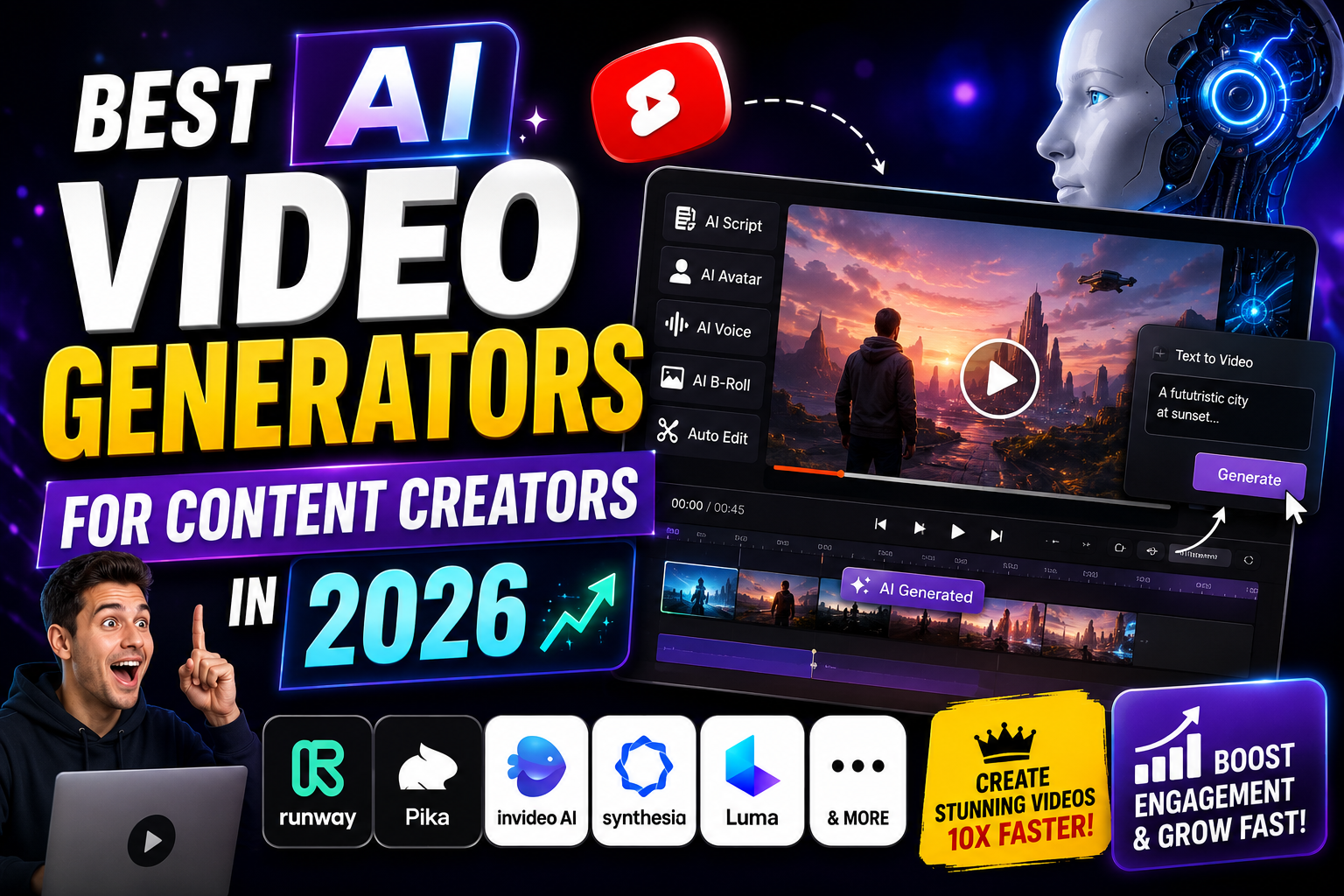
The best AI video generators for content creators in 2026 cover a wide range of needs. Runway is suited to cinematic creation, HeyGen and Synthesia excel at avatar-based videos, InVideo AI helps with social content, Pictory is useful for repurposing written material, while Descript and OpusClip can simplify editing and content repurposing.
The right choice ultimately depends on your goals, budget, content format, and level of experience.
AI won’t automatically make a video viral. However, when combined with strong storytelling, audience research, creative ideas, and consistent publishing, these tools can dramatically simplify video production and help creators produce more content in less time.
In 2026, the competitive advantage isn’t simply using AI. It’s knowing how to use AI creatively while keeping the human voice behind the content.