

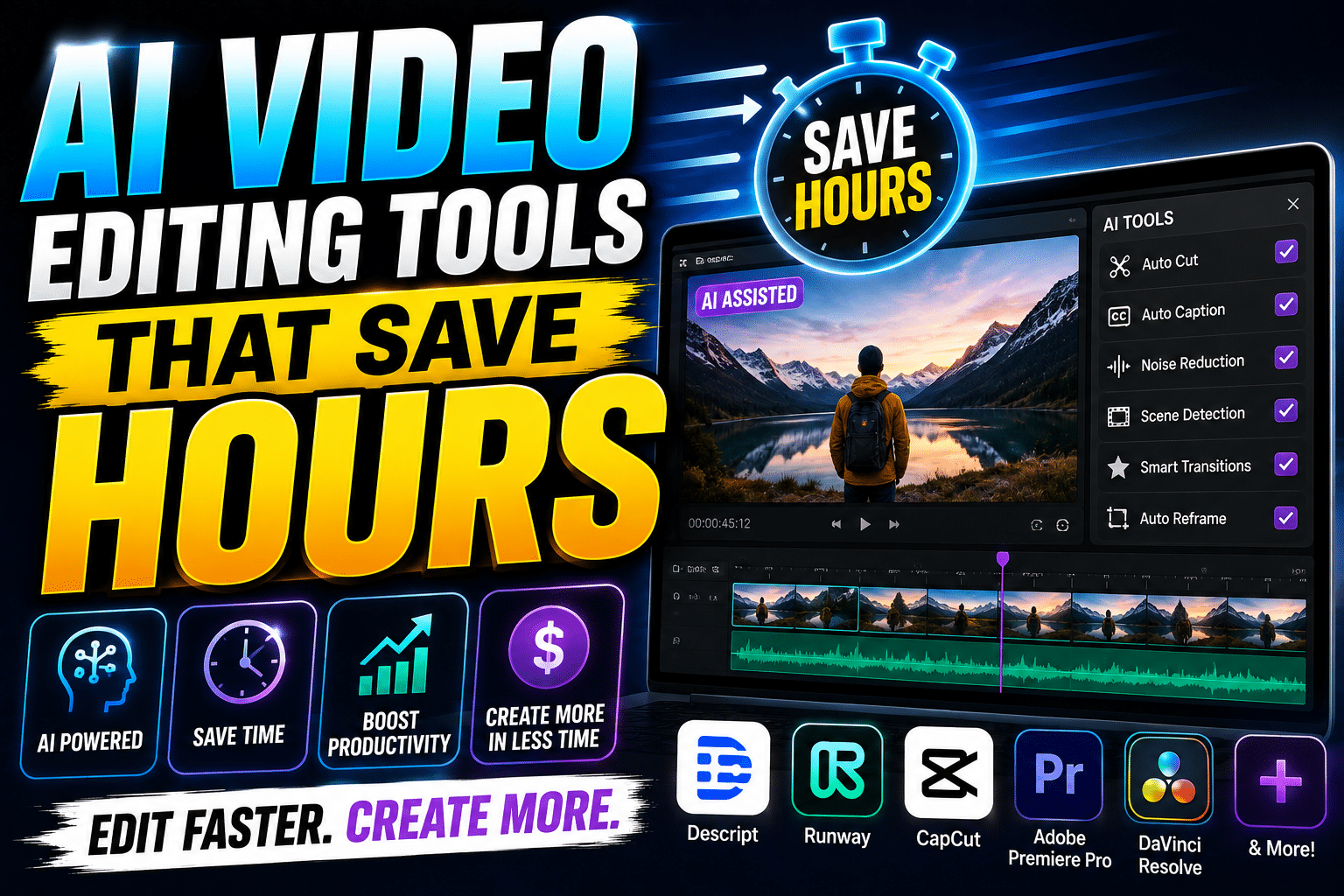
Video editing can be one of the most time-consuming parts of content creation. Cutting unnecessary footage, removing pauses, adding captions, cleaning audio, finding clips, creating transitions, and preparing videos for multiple platforms can take hours for a single project.
In 2026, AI video editing tools are changing that workflow. Modern editors can automate many repetitive tasks, allowing creators, marketers, YouTubers, and businesses to spend less time managing timelines and more time creating useful content.
The latest AI editing tools are increasingly focused on practical workflow improvements rather than simply adding flashy effects. Features such as transcript-based editing, automatic captions, object masking, audio enhancement, background removal, and short-form clip extraction can significantly reduce repetitive editing work.
What Are AI Video Editing Tools?
AI video editing tools are software applications that use artificial intelligence to automate or assist with video production and post-production.
Instead of manually completing every editing task, creators can use AI to:
- Remove unwanted sections
- Detect scenes
- Generate captions
- Clean background noise
- Remove filler words
- Create short clips
- Reframe videos for vertical platforms
- Remove backgrounds
- Track objects
- Improve speech quality
- Generate or suggest B-roll
- Organize footage
- Create rough cuts
The goal isn’t necessarily to remove humans from video editing. Instead, AI handles repetitive tasks while creators remain responsible for storytelling, creative direction, and final quality.
Why AI Video Editing Is Growing in 2026
Video creators are publishing more content across more platforms than ever. A single campaign may require a YouTube video, Shorts, Instagram Reels, Facebook videos, advertisements, and website clips.
Manually adapting every video for every platform can consume enormous amounts of time.
AI helps solve this problem by automating repetitive editing tasks and making content repurposing faster. Current 2026 comparisons show that different tools specialize in different workflows, including short-form editing, transcript-based editing, professional post-production, generative effects, and long-form-to-short-form repurposing.
1. Descript: Edit Videos by Editing Text
Descript is particularly useful for podcasts, interviews, tutorials, webinars, and talking-head videos.
Its major advantage is transcript-based editing. Once your video is transcribed, you can edit the spoken content by changing the text instead of manually searching through the video timeline.
For example, if a speaker says something unnecessary, you can remove the corresponding sentence from the transcript and the video edit follows it.
This can make editing interviews and long conversations considerably faster.
Descript is also designed around AI-assisted tasks such as removing filler words, improving audio, generating clips, and assisting with content creation. Current 2026 tool comparisons continue to identify transcript-based editing as one of its biggest strengths.
Best for: Podcasts, interviews, tutorials, courses, and talking-head videos.
2. CapCut: Fast Editing for Shorts and Reels
For creators focused on short-form content, CapCut remains one of the most useful AI-assisted editing platforms.
It is particularly suitable for YouTube Shorts, Instagram Reels, TikTok-style content, and quick social media campaigns.
AI-assisted features can help with:
- Automatic captions
- Background removal
- Quick cuts
- Templates
- Effects
- Video resizing
- Social-media-friendly editing
The biggest advantage is speed. Instead of spending a long time building a short-form video from scratch, creators can use automated features to establish a polished starting point and then make creative adjustments.
Recent 2026 comparisons consistently position CapCut as a strong option for fast social-video workflows.
Best for: Shorts, Reels, social media creators, and beginners.
3. Adobe Premiere Pro: AI for Professional Editing
Adobe Premiere Pro remains a major choice for professional video editors, production teams, agencies, and advanced creators.
Its AI capabilities are designed to speed up professional workflows without removing the traditional editing timeline.
Adobe highlights features such as AI-powered Object Mask, which can help editors isolate and track objects across frames. These types of tools can reduce tedious masking and selection work.
Premiere is especially useful when a project requires detailed control over:
- Color
- Audio
- Effects
- Transitions
- Multiple video tracks
- Professional timelines
- Client revisions
- Complex compositions
Best for: Professional YouTube videos, commercial projects, agencies, and advanced editors.
4. Runway: AI-Powered Creative Editing
Runway takes a different approach from traditional video editors.
It is particularly useful for creators who want to combine video editing with AI-powered visual transformation and generative effects.
Depending on the workflow, creators can use AI to modify footage, remove elements, create visual effects, or generate content that would otherwise require complicated production work.
That makes Runway especially interesting for filmmakers, advertisers, designers, and creators who want more experimental visuals.
Current 2026 comparisons identify Runway as a specialist for generative effects and AI-native video workflows.
Best for: Creative effects, cinematic projects, advertising, and experimental video.
5. OpusClip: Turn Long Videos Into Shorts
One of the most repetitive tasks for creators is turning long-form content into short-form videos.
OpusClip focuses heavily on this problem.
A creator can upload a podcast, interview, webinar, presentation, or YouTube video and use AI-assisted tools to identify potentially useful short clips.
The system can help find engaging sections and prepare them for vertical social platforms.
This can be extremely useful for businesses and creators who already produce long-form content but don’t have enough time to manually identify dozens of short clips.
Recent 2026 comparisons list OpusClip specifically as a strong option for long-form-to-short-form repurposing.
Best for: Podcasts, webinars, interviews, YouTube creators, and content repurposing.
6. DaVinci Resolve: AI for Professional Post-Production
DaVinci Resolve is another powerful option for creators who want professional editing, color grading, audio, and visual effects.
Its AI-assisted features can help with tasks such as object selection, transcription, voice isolation, and other post-production workflows.
The platform is particularly attractive to creators who want advanced editing capabilities without relying entirely on a subscription-based workflow.
Recent 2026 comparisons continue to highlight DaVinci Resolve as a strong professional and value-oriented editing option.
Best for: Filmmakers, advanced creators, color grading, and professional post-production.
AI Features That Actually Save Time
Not every AI feature is equally useful. If your goal is to save hours, focus on features that remove repetitive work.
Automatic Captions
Manually typing subtitles can take a long time. AI transcription can generate captions automatically and synchronize them with speech.
Filler-Word Removal
For interviews and talking-head videos, removing words such as “um,” “uh,” and repeated phrases manually can be tedious. AI can identify many of these sections automatically.
Audio Enhancement
AI-powered audio tools can reduce background noise and improve speech clarity, particularly when footage was recorded in less-than-perfect environments.
Background Removal
Creators can remove backgrounds without setting up a traditional green-screen production.
Text-Based Editing
For spoken videos, editing a transcript can be much faster than searching through a timeline for individual sentences.
Automatic Clip Detection
AI can identify potentially useful moments in long videos and help convert them into Shorts or Reels.
Object Masking
AI object detection can reduce the amount of manual frame-by-frame masking required in professional editing workflows. Adobe’s current Premiere AI tools are one example of this approach.
How Much Time Can AI Video Editing Save?
The amount of time saved depends heavily on the type of content and the creator’s workflow.
A short social video may only require a few minutes of manual editing after AI assistance, while a long interview could benefit much more from transcription and automated cleanup.
Some 2026 tool evaluations report substantial reductions in editing time for transcript-driven workflows, although actual results vary by project, footage quality, editing style, and the amount of human review required.
Therefore, it is better to think of AI as a time-saving assistant, not a guaranteed replacement for professional editing.
AI Video Editing for YouTube Creators
YouTube creators can use AI editing tools throughout the content pipeline.
For example:
Long video → AI transcription → Rough cut → Audio cleanup → Captions → Shorts extraction → Vertical versions → Final human review
This workflow can help creators publish more consistently without spending their entire day editing.
AI can also help creators repurpose one video into multiple pieces of content.
A single 20-minute YouTube video could become:
- One full YouTube video
- Three to five Shorts
- Several Reels
- Quote clips
- Educational snippets
- Promotional clips
This makes AI especially useful for creators who want to increase their content output without increasing editing hours.
Video Editing for Businesses
Businesses can also benefit significantly from AI video editing.
Marketing teams can use AI to create product videos, advertisements, social media clips, training videos, customer education content, and promotional campaigns.
Instead of hiring a separate editor for every small video, a marketing team can use AI-assisted tools for initial editing and reserve professional editing resources for high-value campaigns.
This can make video marketing more scalable for small businesses and startups.
How to Choose the Right AI Video Editing Tool
Don’t choose an editor simply because it has the largest number of AI features.
Instead, identify your main workflow.
For Shorts and Reels: Choose a fast social-focused editor such as CapCut.
For podcasts and talking-head videos: Choose a transcript-based editor such as Descript.
For professional editing: Consider Adobe Premiere Pro or DaVinci Resolve.
For generative visual effects: Consider Runway.
For turning long videos into short clips: Consider OpusClip.
The best AI video editor is ultimately the one that removes the most repetitive work from your specific workflow.
Should You Completely Rely on AI Editing?
No.
AI can make mistakes. It may remove an important sentence, choose the wrong clip, create an unnatural cut, misunderstand speech, or make an editing decision that doesn’t fit your brand.
Human review is therefore essential.
The best workflow is:
AI handles repetitive tasks → Human controls creativity → Human checks quality → AI helps with repurposing → Human publishes
This combination provides efficiency without sacrificing originality.
Final Verdict
AI video editing tools can save creators and businesses hours in 2026, particularly when they are used for repetitive tasks such as transcription, captions, audio cleanup, clip selection, background removal, and content repurposing.
There isn’t one universal “best AI video editor.” Descript is particularly strong for transcript-driven content, CapCut is useful for fast social videos, Premiere Pro and DaVinci Resolve offer professional control with AI assistance, Runway specializes in AI-powered creative workflows, and OpusClip is designed around short-form repurposing.
The smartest approach is to build an AI-assisted workflow around your content type rather than trying to use one tool for everything.
AI won’t make great storytelling automatic—but it can give creators something extremely valuable: more time to focus on creating it.