
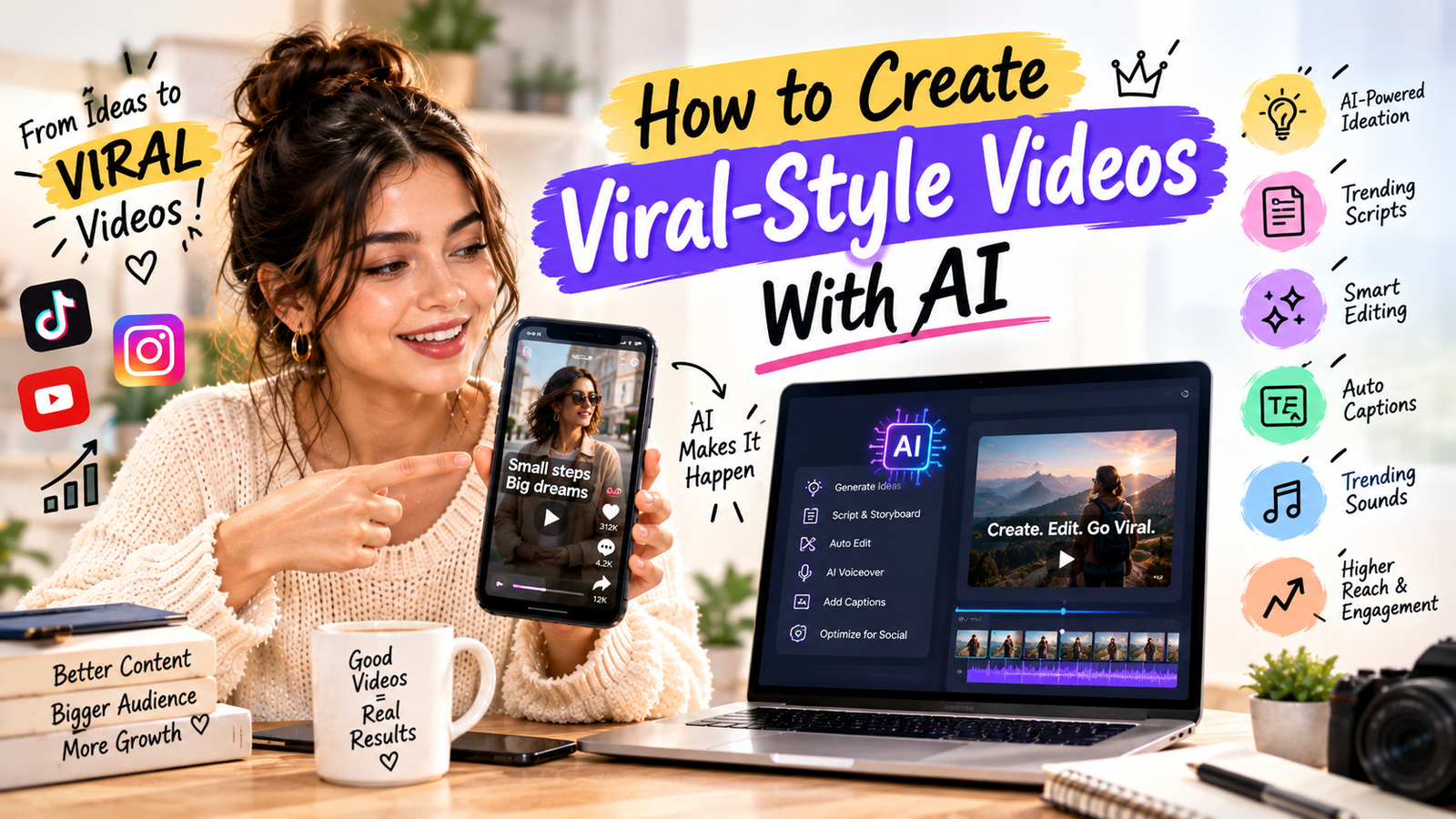
Creating a video that attracts attention is difficult. Creating one that spreads widely is even harder.
There is no guaranteed formula for virality. However, marketers can use AI to speed up the creative process and produce more variations.
That makes viral-style videos with AI an important topic for creators and brands in 2026.
AI can help with ideation, scripts, hooks, captions, editing concepts and content variations. But technology alone does not make a video viral.
Human creativity, relevance and audience understanding still matter.
What Is a Viral-Style Video?
A viral-style video is content designed around characteristics commonly found in highly shareable content.
These may include:
- Strong opening
- Curiosity
- Emotional response
- Useful information
- Surprise
- Relatability
- Humor
- Fast pacing
- Clear storytelling
The objective should not be to copy a viral video.
Instead, study why the format works and adapt the underlying idea to your own audience.
Start With a Strong Idea
AI can generate dozens of ideas quickly.
For example, instead of asking:
“Give me video ideas.”
Give AI context:
“Create 20 short-form video ideas for an Indian beauty brand targeting college-age consumers. Focus on skincare mistakes and practical tips.”
Better input produces more useful output.
Create Multiple Hooks
The hook can determine whether viewers continue watching.
Ask AI to create different hook styles:
- Question
- Curiosity
- Mistake
- Challenge
- Story
- Before-and-after
- Unexpected fact
Then test several.
Use the Three-Second Principle
Short-form content gives you very little time to establish relevance.
Start with the main idea quickly.
Instead of:
“Hi everyone, welcome back to our channel.”
Try:
“Your phone may be charging slowly because of this setting.”
The viewer immediately understands the topic.
Use AI to Build Scripts
AI can turn a basic idea into a short script.
A useful structure is:
Hook → Problem → Insight → Example → CTA
For example:
Hook: “Your videos may look boring for one simple reason.”
Problem: Long static shots reduce visual movement.
Insight: Add visual changes every few seconds.
Example: Show three examples.
CTA: “Follow for more video marketing tips.”
Add Visual Variety
A good script still needs good visuals.
AI can help create shot lists.
For a product video, the list might include:
- Wide product shot
- Close-up
- Hand interaction
- Product in use
- Detail shot
- Before-and-after
- CTA screen
Visual changes keep the content dynamic.
Use AI for Editing Ideas
AI editing tools can help identify:
- Silence
- Filler words
- Important moments
- Clip highlights
- Captions
- Scene changes
The final edit should still be reviewed by a human.
Create Short Versions
One long video can become multiple short clips.
For example:
A 10-minute YouTube video can become:
- 30-second tip
- 45-second mistake
- 20-second quote
- 60-second explanation
- FAQ clip
This gives marketers more opportunities to distribute the same idea.
Use Trends Carefully
Trends can increase relevance, but copying every trend can make a brand look generic.
Before using a trend, ask:
Does this trend fit my audience and brand?
If the answer is no, skip it.
Originality often matters more than speed.
Add Captions
Captions help viewers follow fast-paced content.
AI can generate captions quickly, but review them for accuracy.
Highlight important phrases rather than turning the entire screen into text.
Use AI Voiceovers Carefully
AI voiceovers can be useful for:
- Explainer videos
- Product tutorials
- Faceless channels
- Educational content
- Short-form videos
However, unnatural delivery can make content feel generic.
Where authenticity matters, human narration may be preferable.
Test Different Versions
One of the biggest advantages of AI is speed.
You can create several creative variations.
Test:
- Hook
- Length
- Caption style
- Voice
- Thumbnail
- CTA
- Opening visual
Then examine performance.
Don’t Chase Virality Alone
A viral video can generate millions of views and still produce little business value.
For brands, useful outcomes may include:
- Website traffic
- Followers
- Leads
- Sales
- Email signups
- Brand searches
The best content strategy connects attention with a business objective.
Avoid AI Content That Looks Generic
A major challenge with AI-generated content is sameness.
If every brand uses:
- The same voice
- Same script structure
- Same stock visuals
- Same captions
- Same transitions
audiences may stop paying attention.
Add human experiences, opinions, examples and original footage.
Use AI as a Creative Assistant
The best workflow is:
Human strategy → AI assistance → Human editing → Audience feedback
AI can accelerate the process, but marketers should remain responsible for the final content.
Analyze What Works
After publishing, review:
- Retention
- Watch time
- Shares
- Saves
- Comments
- Clicks
- Conversions
Then use those insights to create the next video.
Content creation becomes a cycle:
Create → Publish → Measure → Learn → Improve
Final Thoughts
Learning how to create viral-style videos with AI is less about finding a magic prompt and more about building a repeatable creative system.
Use AI to generate ideas, improve scripts, create variations and speed up production.
Then add the human element: original stories, genuine opinions, real demonstrations and audience understanding.
There is no guaranteed viral formula. But a smarter combination of AI efficiency and human creativity can help brands produce better video content at scale.